
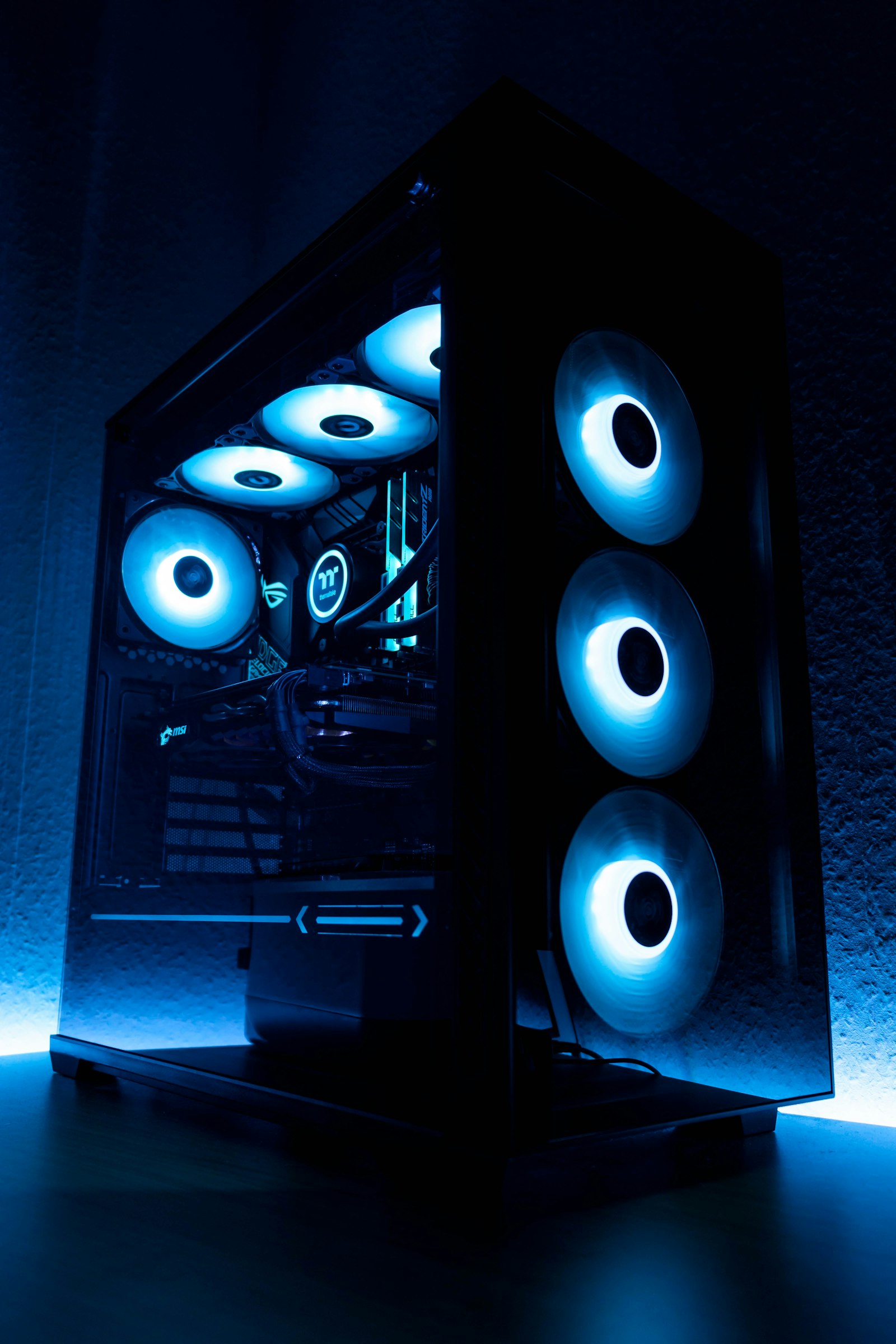
How to ship · electronics
How to ship a PC tower
A PC tower is dense, heavy, and contains components that do not love vibration. The original box (if you still have it) is the right answer. If you do not, this guide covers packing a PC so the GPU does not rip out of its slot in transit, which is the single most common failure mode.
- Typical weight
- 15-40 lb (most tower PCs), 50+ lb for full-tower custom builds
- Rate band tracked
- 20 lb
- Cheapest option
- UPS Ground with extra insurance
Live rates
What it costs to ship a PC tower, right now
A 20 lb parcel from New York, NY to Los Angeles, CA. Actual cost for your PC tower varies by ±10-30% with its specific weight and destination zone.
- 01 FedEx Ground FedEx 4d $47.99 +$37.91
- 02 UPS Ground Saver UPS 5d $10.08 cheapest
- 03 USPS Ground Advantage USPS 5d $10.43 +$0.35
Close call Only $0.35 (3%) separates the cheapest from the runner-up. Free USPS home pickup or a closer drop-off can erase this gap. Pick by convenience, not price, at this margin.
Sign up & get $100+ in free offers. No coupon code required.
Before you pack
The box and materials
Box
Original box, or double-boxed with 3+ in of foam padding
Typical mid-tower: 24 x 24 x 12 in outer box
The original box matters because it is sized for the tower with its foam inserts. If you do not have it, the double-box method below is the closest substitute.
Checklist
- Original box if available
- Two corrugated boxes: one tower-sized, one 4+ in larger on each side
- Anti-static bubble wrap (the pink kind)
- Foam sheets or polyurethane foam-in-bag
- Packing peanuts or air pillows
- Zip ties or painter tape
- A small screwdriver
The process
Pack a PC tower in 6 steps
01 of 06
Remove the GPU if it is aftermarket
Heavy GPUs (anything with more than a dual-fan) will flex the PCIe slot in transit and can rip the slot off the motherboard. Unscrew the bracket, unplug power, pull the card. Wrap separately in anti-static and place in the smaller interior box alongside the tower.
02 of 06
Brace the CPU cooler if it is tower-style
Tall air coolers (Noctua D15, etc) have leverage issues in transit. If yours extends more than 130mm from the motherboard, remove it and ship separately. Lower-profile coolers and all AIO liquid coolers can stay.
03 of 06
Stuff the interior with anti-static bubble wrap
Open the side panel. Fill any empty drive bays, the space above and below the GPU, and any gap around the motherboard with anti-static bubble. Close the panel. The goal is zero internal movement.
04 of 06
Wrap the entire tower in anti-static bubble
Two full layers. Tape the bubble so it does not unwrap during handling. Do not use standard pink foam directly against painted surfaces; it can stick in hot weather.
05 of 06
Double-box
Wrapped tower goes in the inner box with 1 in of foam on all sides. Then that inner box goes inside the outer box with 3-4 in of packing peanuts or foam-in-bag on all sides. The 4-in gap is the crush zone.
06 of 06
Label as Fragile and This Side Up
Orientation matters for tower coolers. Fragile stickers also mean the carrier will usually handle it more carefully, though do not count on this. Plan the packing as if it will be thrown.
Carrier notes
Which carrier to use
USPS
Ground Advantage accepts up to 70 lb. Acceptable for most towers. Cheaper than UPS and FedEx in most cases.
UPS
Slightly more expensive but handling is typically better for fragile items. Worth the premium on a $2,000 gaming PC.
FedEx
Similar to UPS. FedEx Ground can be slightly cheaper on some lanes. Home Delivery adds ~$4 surcharge.
Insurance + declared value
Protecting the package
Always insure for full component replacement value. A $2,500 gaming PC replaces for $2,500. Photograph every internal component before packing, you will need proof for a claim. UPS includes $100; additional at $1.75 per $100.
Specialty shippers are usually not worth it here.
No specialty carrier makes sense for a PC. Parcel carriers handle it fine if packed correctly.
FAQ
Common questions
Q01 Should I use the shipping handle on the case?
If your case has one, yes, the handle gives the carrier a clean lift point. But wrap the handle in bubble anyway, carriers sometimes use the handle to pull the box which can damage the handle mount.
Q02 What about hard drives?
SSDs survive shipping fine. Spinning HDDs are more fragile; for drives with irreplaceable data, remove them and ship separately in a padded envelope.
Q03 Do I need anti-static bubble, or is regular OK?
Regular bubble wrap is 95% fine. The risk is a static discharge damaging a component, which is very unlikely at room temperature with low humidity. Use anti-static on an $800+ GPU; regular bubble for the rest.